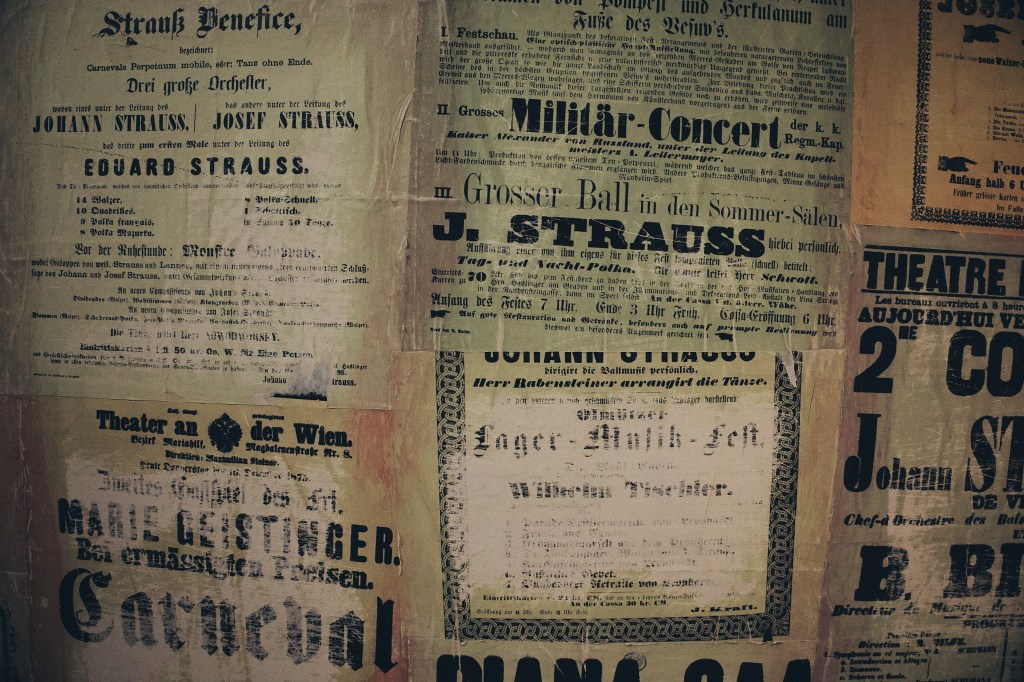
Discover essential tips for safely storing antique documents to preserve their integrity and value. Read more to ensure your treasures last for generations.
Storing Antique Documents: Why Proper Care Matters
Preserving our personal history and cherished family stories is essential for future generations. Old documents and photographs serve as windows into our past, capturing moments and memories that shape our identities. However, these invaluable items are fragile and susceptible to damage from light, moisture, oils, and handling stress.
Proper protection and storage techniques contribute to longevity and maintain their collectible value. In this guide, we will explore effective methods for storing and preserving antique documents and old paper, highlighting the best practices for long-term preservation.
Understanding the Enemies of Old Paper
Paper is a delicate material that can deteriorate over time due to various environmental factors. By understanding how these elements affect paper fibers, collectors and enthusiasts can take proactive steps to preserve their valuable documents and artifacts.
Environmental factors
Several key environmental factors contribute to the deterioration of paper.
- UV Exposure: Exposure to UV light, high humidity, excessive heat, and acidic materials can lead to significant damage. For instance, UV light can cause yellowing and fading, while high humidity can weaken the paper and encourage mold growth.
- Climate: To effectively preserve antique documents, it is crucial to maintain a stable storage environment that is cool, dry, and dark. Proper climate control slows down the deterioration process, prevents mold growth and minimizes damage caused by light and heat.
- Improper Storage Materials: The materials used to store paper documents can greatly impact its longevity. It is essential to select archival-quality materials that are free from acids. Use acid-free, lignin-free, and PVC-free materials.
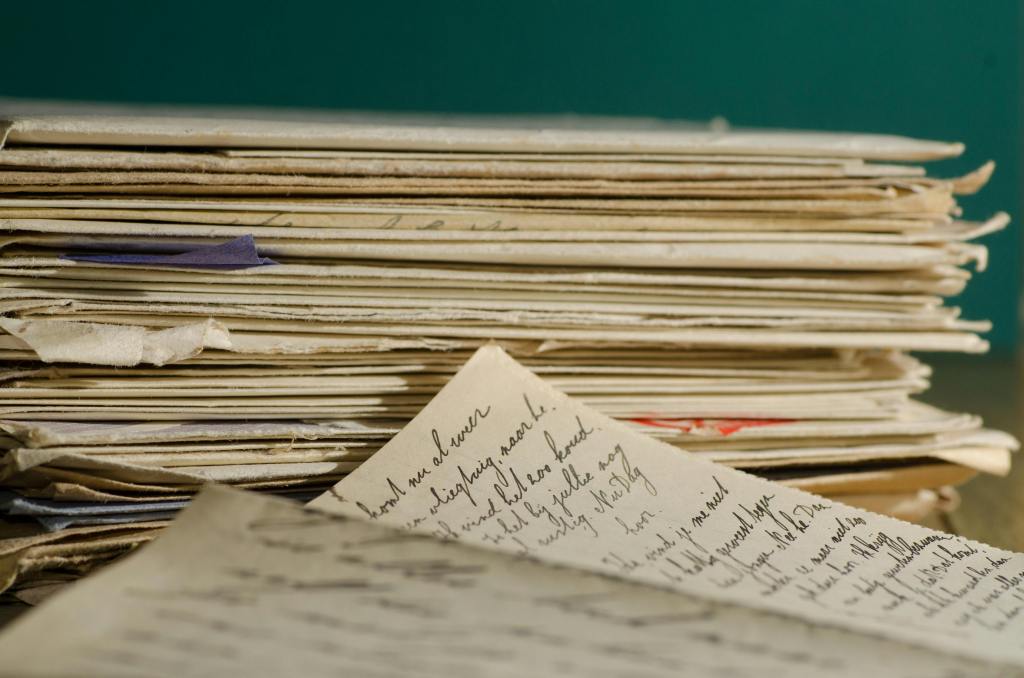
Handling Fragile Documents Safely
Handling fragile paper requires special attention to ensure its preservation and prevent damage. By following specific guidelines, you can minimize deterioration and prolong the life of these delicate materials.
Best practices for handling fragile paper
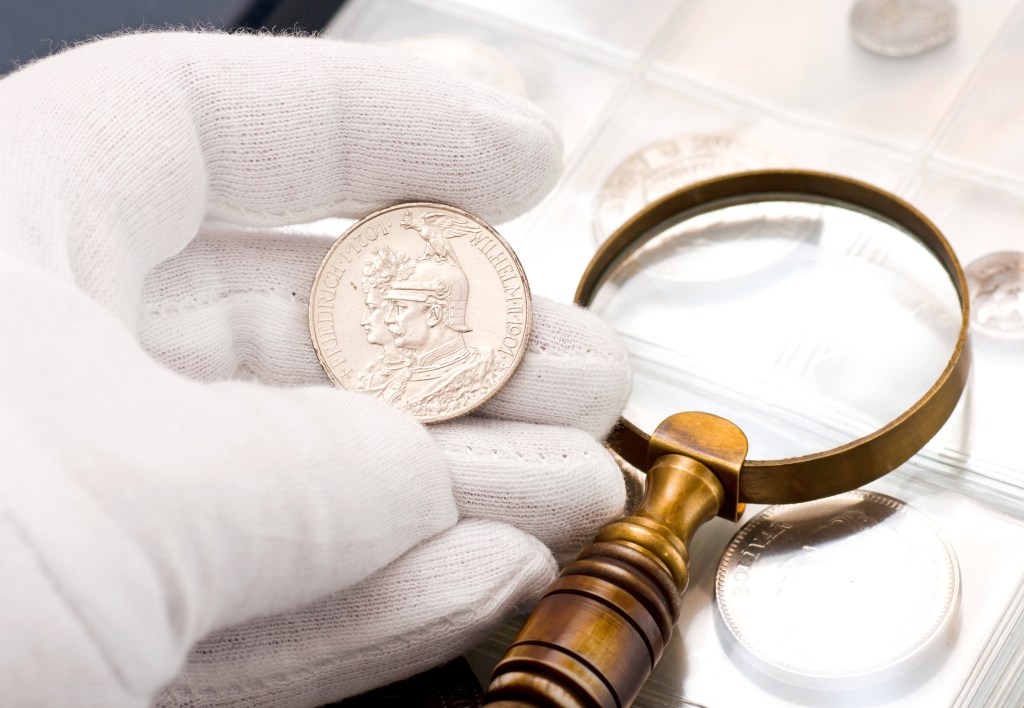
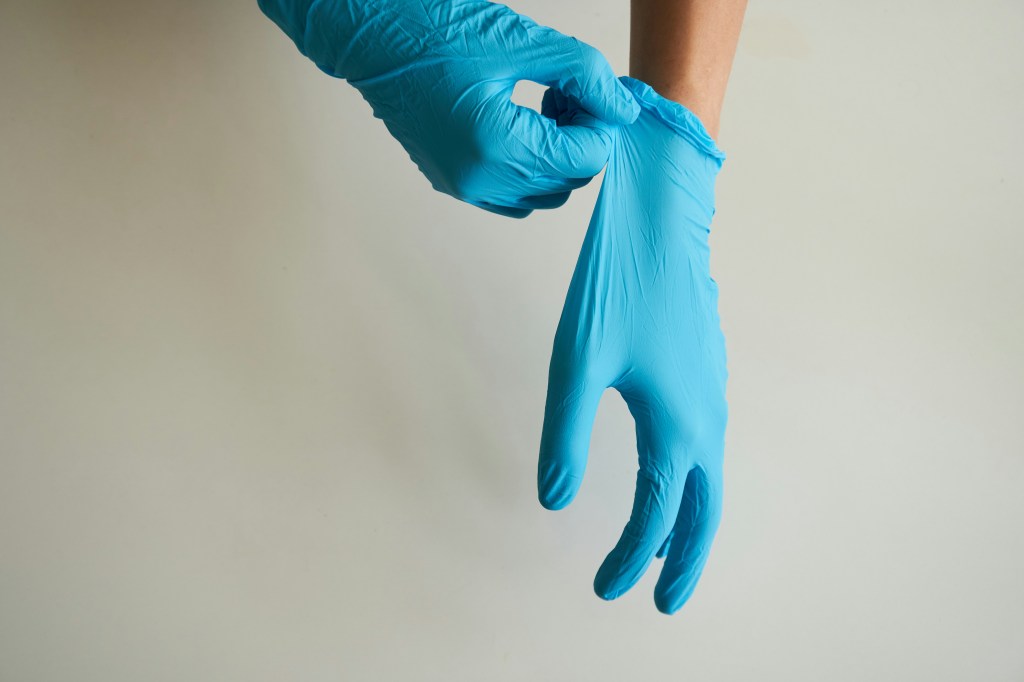
- Clean Hands: Always handle documents with clean, dry hands or cotton gloves to prevent damaging them. When handling regular paper, gloves may hinder dexterity, so use them only if necessary. If you do choose to wear gloves, nitrile is the recommended option.
- Proper Surface Preparation: Before handling fragile items, ensure your working surface is clean, flat, and stable. This will not only protect the items from dirt but also provide a stable environment for careful handling. A clean surface reduces the risk of accidental tears or stains from contaminants.
- Careful Removal of Accessories: When handling old documents, exercise caution when removing paperclips, sticky notes, staples, and rubber bands. These materials can cause staining and tears in the paper. As a best practice, avoid using them altogether when organizing your collection to maintain its integrity. Remove all metal fasteners like staples and paper clips before storing documents, as they can rust and damage the paper.
- Turning Pages: Always hold delicate items by their edges and fully support them when moving to prevent damage. To avoid excessive handling and potential damage, use a page turner when turning pages or inspecting them. This technique helps prevent bending or folding, which can cause irreversible damage.
Archival Sleeves, Folders, and Boxes
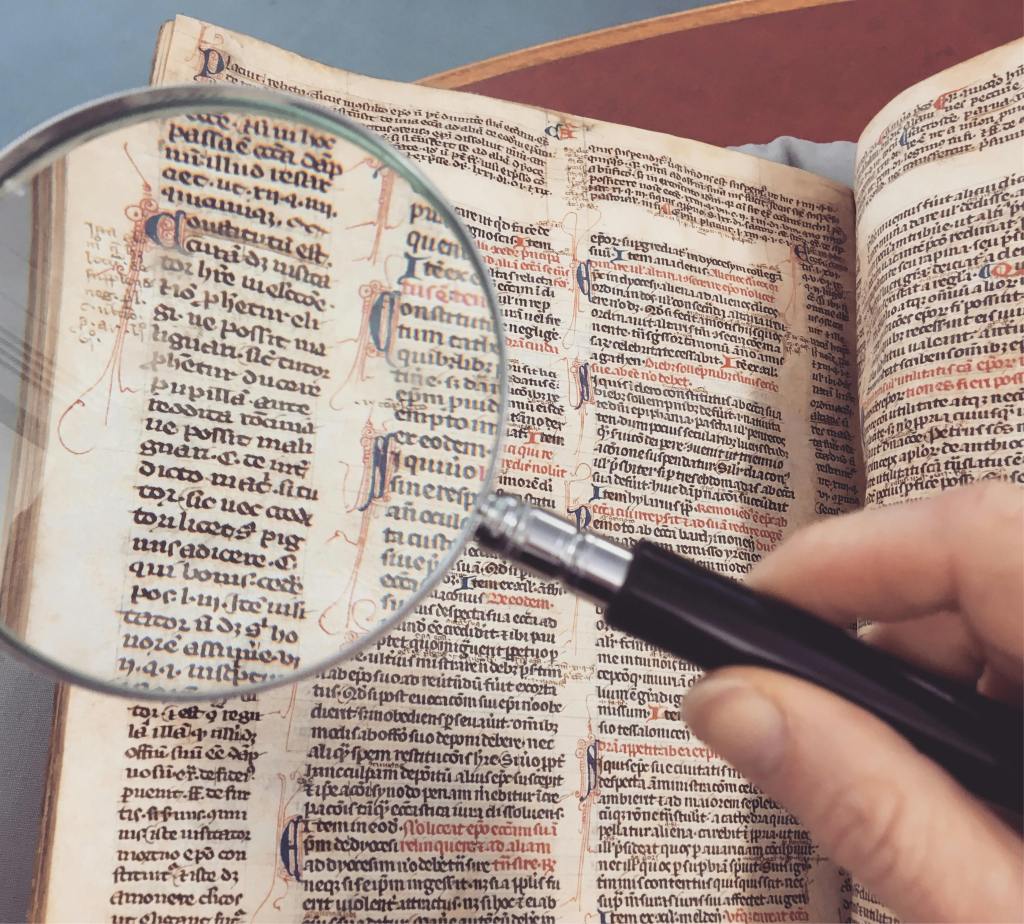
To ensure the longevity of your documents, it’s essential to use acid-free and lignin-free materials for storage. These materials, including buffered folders, polyester sleeves, and archival-quality boxes, are specifically designed to stabilize pH levels and protect your documents from dust, pollutants, and physical damage.
How to store items
When storing documents, it’s important to consider their size and type.
- Archival Folders and Boxes: Large, flat items, like maps, should be stored horizontally in boxes to prevent bending or damage, while standard documents are best kept upright in folders. Store documents in sturdy boxes that match the size of the enclosures to prevent damage.
- Elevation for Protection: To mitigate the risk of water damage, containers should be stored elevated off the floor. This simple step can significantly protect valuable documents from potential hazards, ensuring their long-term safety.
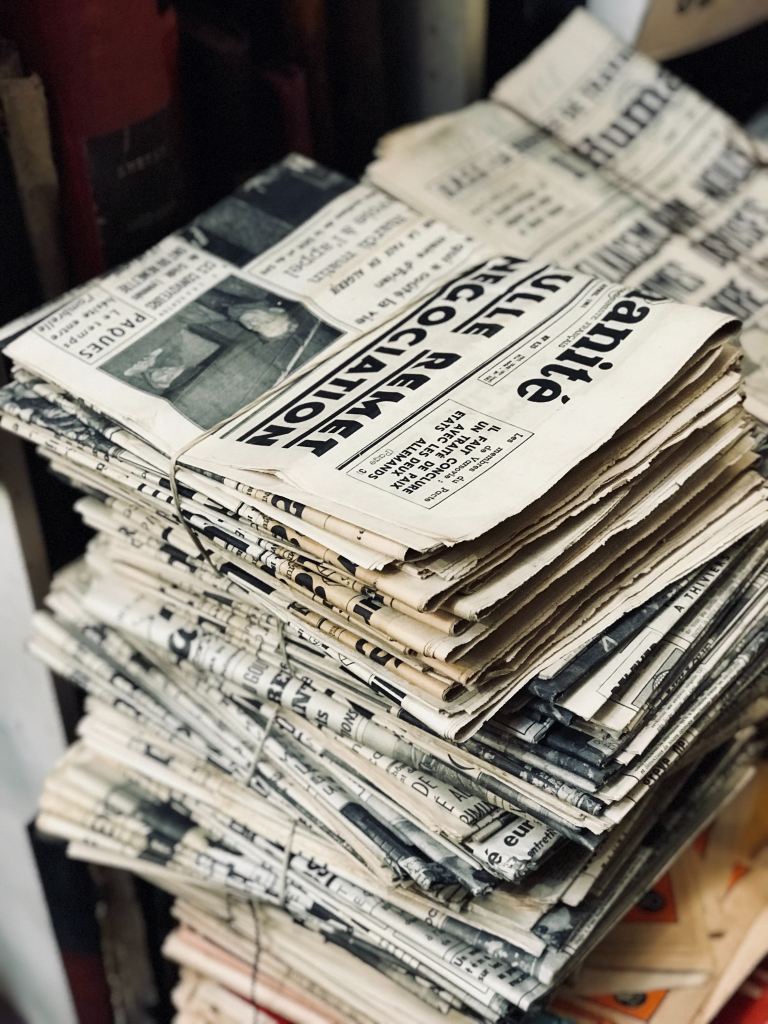
- Newspapers: Newspaper clippings should be kept separate from other items due to their high acidity, which can damage adjacent papers.
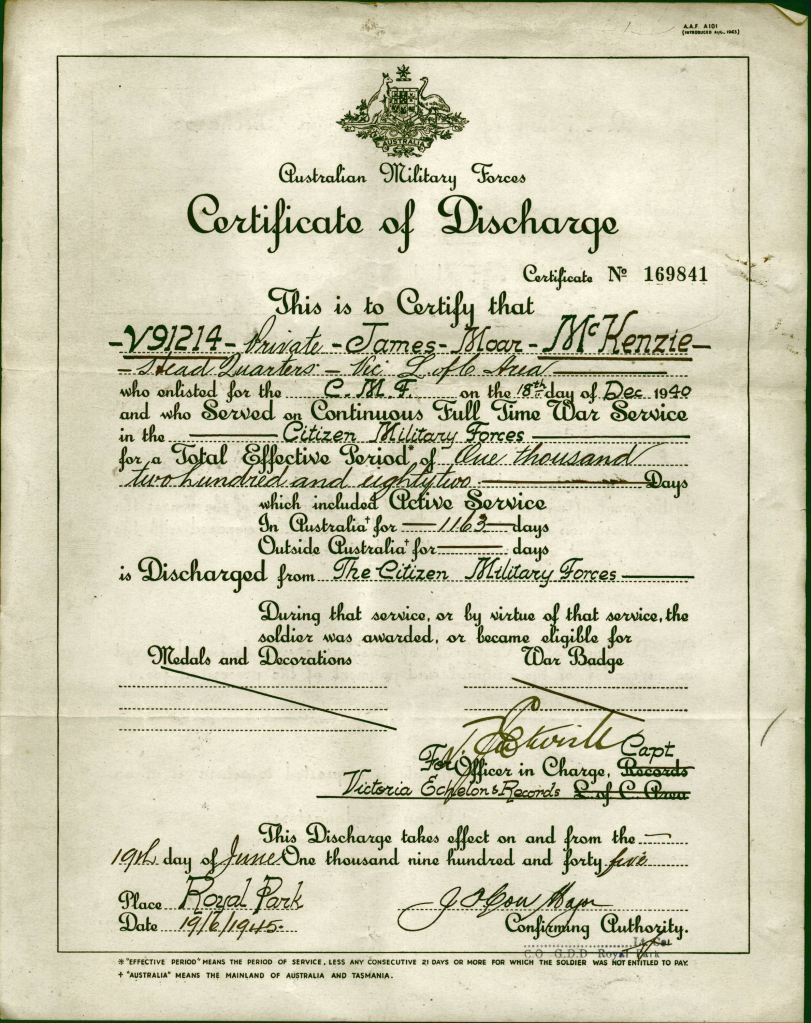
- Antique Documents and Family Papers: Antique documents and family papers, such as birth certificates, require extra care in storage. When handling these brittle items, use materials that are acid-free, lignin-free, and PVC-free. They should be stored flat to safeguard their condition and preserve their historical value.
- Safeguarding Fragile Archives: For particularly fragile documents, consider using polyester L-sleeves and acid-free paper. These provide an added layer of protection, reducing the risk of tears and other forms of damage. Use adjustable spacers in boxes to keep folders upright and prevent slipping or sagging.
Climate Control: Humidity and Temperature That Protect Paper
When it comes to preserving antique documents, creating an environment that supports longevity is crucial.
Relative humidity and storage
- Humidity and Temperature: The ideal storage conditions involve maintaining a temperature range of 65-70°F and humidity levels between 30-50%. These parameters help mitigate the risks associated with deterioration and ensure the preservation of valuable documents.
- Importance of Stability: A stable climate is essential for the long-term preservation of documents. Fluctuations in temperature and humidity can lead to accelerated deterioration, making it more important to prioritize consistency over perfection. Maintaining a stable climate can significantly extend the lifespan of delicate sheets.
- High-Risk Areas to Avoid: Certain areas in a home or facility pose higher risks for storing antique paper and documents. Basements, attics, and garages are often subject to moisture and temperature swings, making them unsuitable for long-term storage. It is advisable to look for spaces with more controlled spaces to keep your papers safe.
- Protecting Against UV Light: In addition to temperature and humidity, exposure to direct UV light must be minimized. UV rays can fade and yellow it over time, resulting in irreversible damage. Using protective enclosures or displaying documents away from direct sunlight helps preserve their integrity and appearance.
Safe Storage for Antique Photos
Preserving photographs is crucial for maintaining their quality and longevity. Photographs are particularly sensitive to environmental factors, such as light and heat, which can lead to fading and deterioration. To ensure that your cherished images remain intact over time, proper storage and handling techniques are essential.
Protecting photos
When it comes to protecting your photographs, careful handling is vital. For delicate pieces, such as antique photographs and metal items, it is recommended to use lint-free cotton cloth, latex, or nitrile gloves. This prevents fingerprints and oils from damaging the surface. Additionally, storing photographs in polyester sleeves, mat boards, acid-free albums, or archival photo boxes helps safeguard them against environmental harm. Separating negatives from prints further reduces the risk of mutual damage, ensuring both types of images remain in excellent condition.
Storing photos
It’s important to avoid overstuffing albums and scrapbooks, as this can lead to damage to the pages and the attached items. When dealing with older photographs, consider purchasing from suppliers that have passed the Photographic Activity Test (PAT). This test evaluates potential chemical interactions between photographs and storage over time, ensuring that only photo-safe materials are used.
Photo preservation
Polyester film is a popular choice due to its stability and rigidity; however, it generates static electricity, which can attract dust. Polypropylene, on the other hand, can vary in rigidity depending on the sleeve format, but is generally not advised. This is because suppliers often do not disclose the specifics of the coatings used on polypropylene, as this information can be proprietary. Therefore, it’s crucial to consider the safety and compatibility of materials used in photo storage to ensure your collection remains protected.
Separating Metals, Adhesives, and Problem Materials
To ensure the longevity and integrity of your documents, it’s crucial to follow proper preservation techniques. This involves careful handling and the appropriate storage to prevent deterioration.
Best practices
- Removing Metal Fasteners: A crucial step in document preservation is to remove all metal fasteners, including staples and paper clips. These items can rust over time, leading to corrosion and damage to the paper fibers. Always take care to avoid causing any damage during the removal process; if detachment is risky, consider isolating the area with protective enclosures instead.
- Newspaper Clippings: Newspaper clippings require special attention due to their high acidity, which can cause damage to nearby papers. It is advisable to store them separately, using acid-free paper or acid-free tissue, to prevent potential damage to adjacent items. This simple measure can significantly extend the life of both the clippings and any surrounding documents.
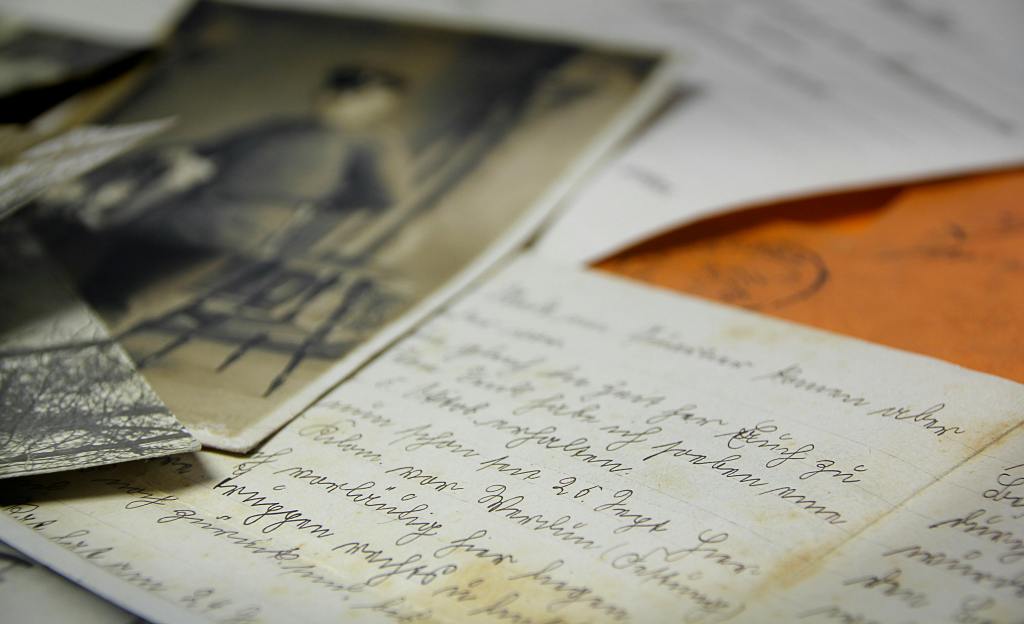
- Letters and Envelopes: It’s best to remove letters from their envelopes if possible. This helps reduce the risk of damage from any tape, adhesives or inks that may deteriorate over time. However, similar to other handling guidelines, if removing a letter from its envelope poses a risk, use protective enclosures to isolate it instead.
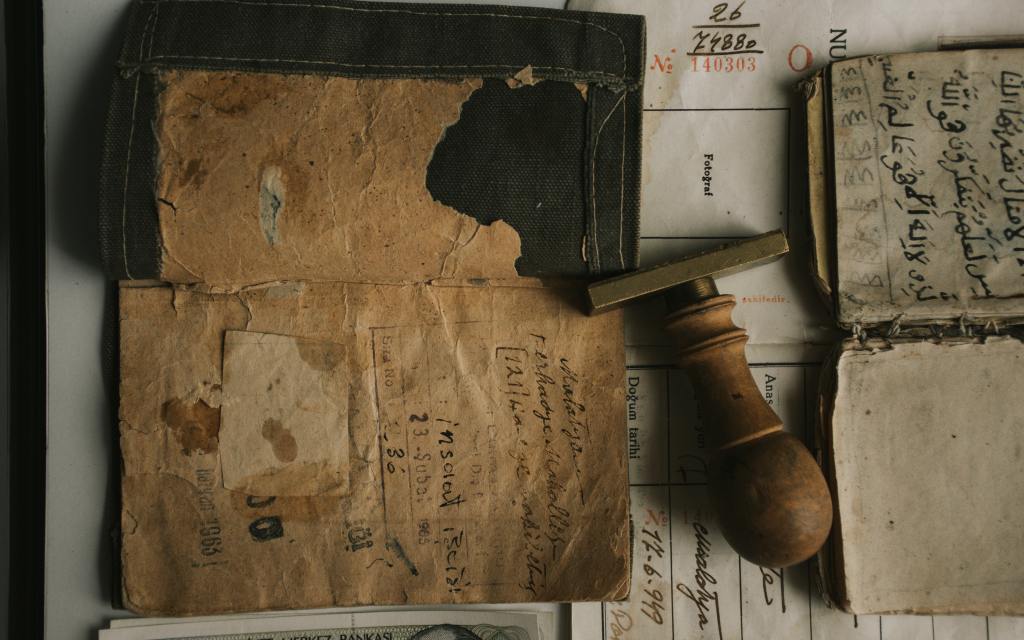
How to Safely Display Old Documents
When it comes to preserving old documents, the right display techniques are essential to maintaining their integrity. To ensure that your treasured papers remain undamaged over time, consider using UV-filtering materials and appropriate storage solutions.
Displaying documents
For optimal display, choose UV-filtering glass or acrylic to minimize direct contact with sunlight, which can lead to fading. Additionally, using acid-free mats, folder stocks, and secure mounts that do not apply pressure will help protect the documents from physical damage. It’s also advisable to limit the time documents are on display and to keep them away from direct sunlight or bright ambient lighting.
Preserving old paper
Preserving old sheets requires careful attention to the materials used in storage and display. Using polyester page protectors can effectively store mounted items while preventing potential damage. To further enhance the preservation of documents, always opt for acid-free and buffered materials, which help prevent damage over time. Utilizing UV-safe storage practices ensures that your valuable items have a prolonged life, free from the detrimental effects of light exposure.
Displaying photographs
Photographs, especially older ones, require special consideration to ensure their preservation. When framing or displaying photographs, it’s vital to use mat boards made from 100% cotton rag that are buffered or pH-neutral/acid-free. These materials help to mitigate any harmful effects from acidity, which can degrade photographs.
Furthermore, for vintage photographs or those of significant value, consider sourcing materials from suppliers that have successfully passed the Photographic Activity Test (PAT). This test evaluates potential chemical interactions between photographs and storage materials over time, ensuring that the materials used are photo-safe and conducive to long-term preservation.
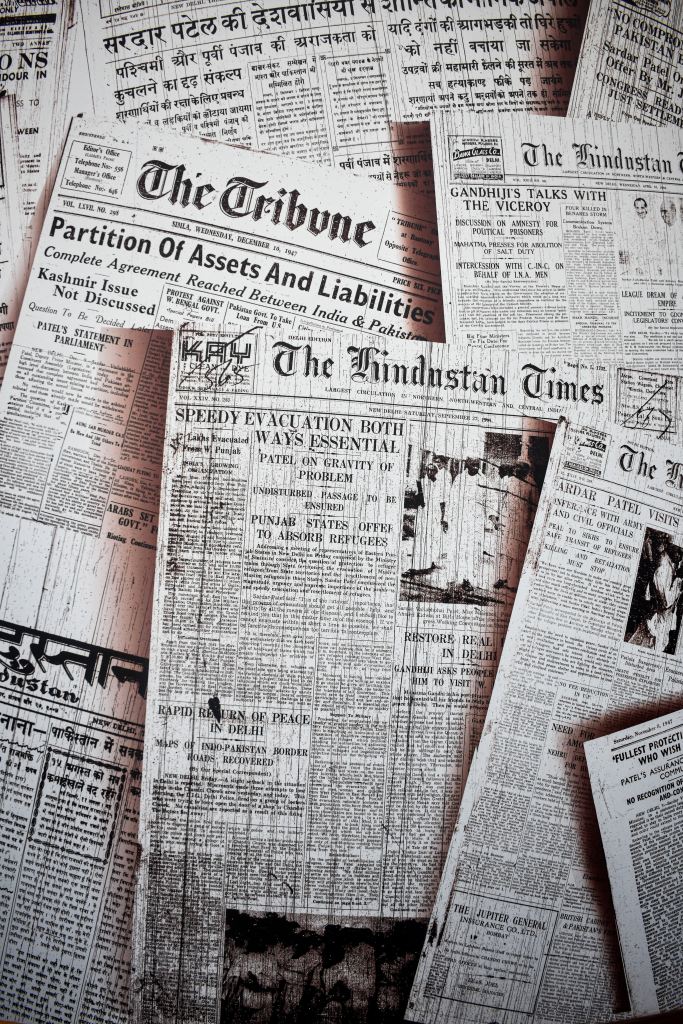
Digitizing Antique Documents and Photos
Digitizing documents is an essential step in preserving important materials for future generations. By converting physical documents into digital formats, we not only make them more accessible but also protect them from the risks associated with physical deterioration.
Creating digital backups
Scanning documents creates a digital backup that reduces the need to handle originals frequently. Consider using external drives, cloud folders, and secure backups to create redundancy and safeguard your information against loss. Digitizing antique documents, family records, and photos can significantly contribute to their preservation.
Best practices for scanning family papers
When scanning documents such as archives, birth certificates, and photographs, it’s essential to take precautions to prevent any damage. Ideally, you should seek assistance from someone experienced in handling fragile documents. If you’re at a library or state archive, be sure to follow their specific instructions and policies regarding the scanning and digitization of documents.
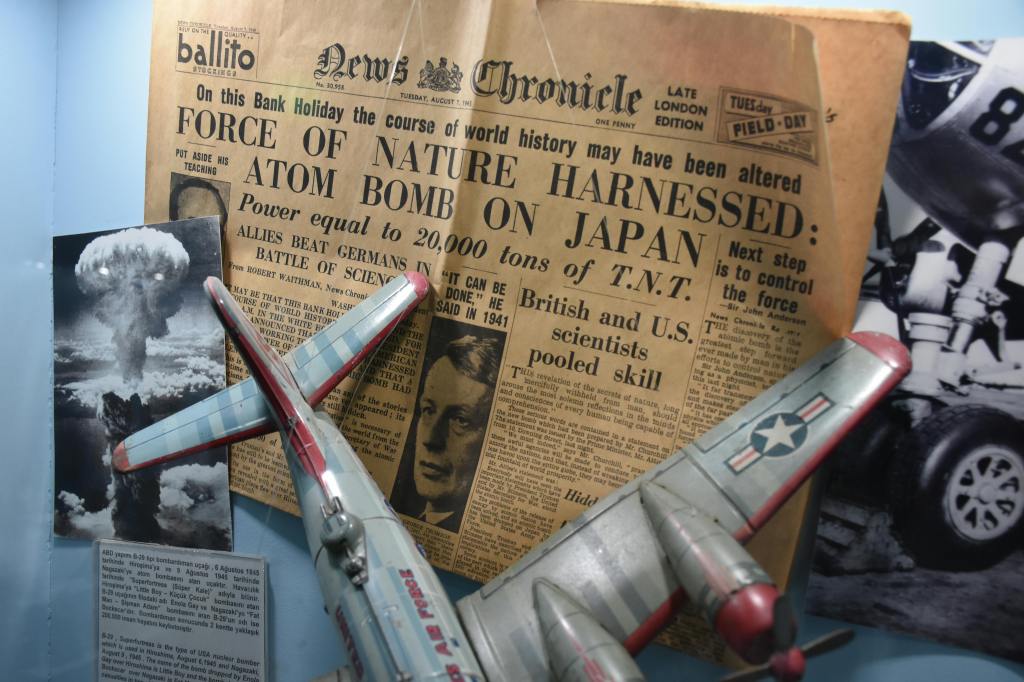
Mold, Pests, and Emergency Response
To ensure the longevity and preservation of delicate documents, regularly inspect storage areas for any signs of pests, mold, or unfavorable environmental conditions. If any items exhibit signs of mold or insect activity, they should be isolated immediately to prevent further contamination.
Reducing humidity levels and increasing airflow around these items can greatly inhibit the growth of mold. It is also advisable to consult conservation professionals who are equipped to provide proper cleaning and stabilization, ensuring that fragile paper and old documents are preserved for future generations.
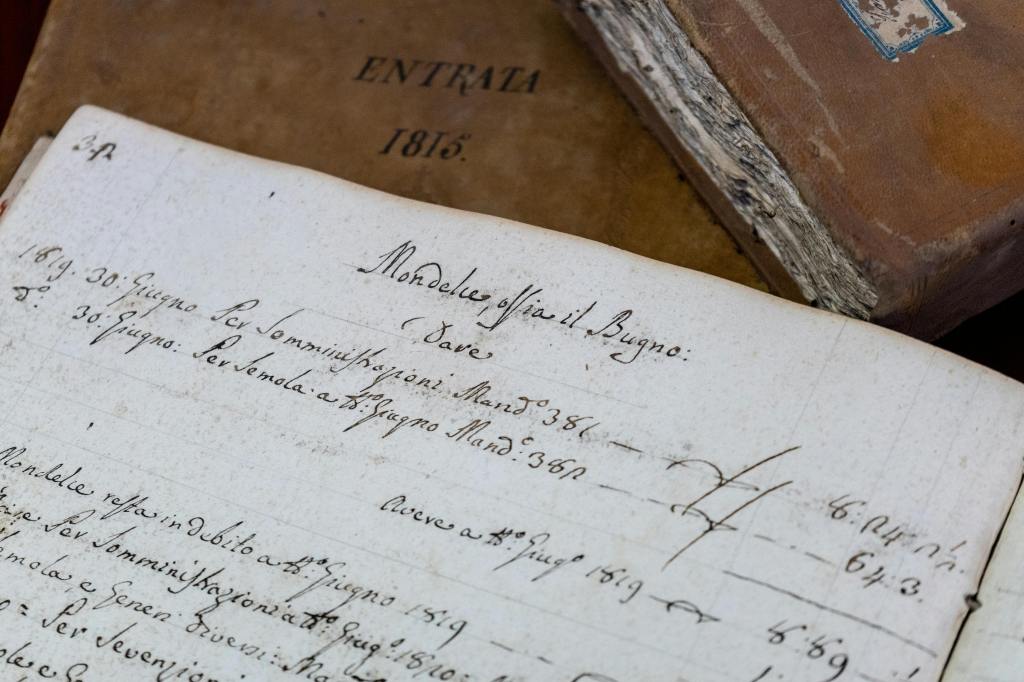
Organizing Collections for Easy Access
To effectively manage large collections of family records and photos, it’s essential to use clear labels, chronological groupings, and buffered dividers. This approach facilitates efficient organization of materials while minimizing the need for repeated handling, thereby preserving the integrity of the items.
In addition, a well-organized collection simplifies future appraisal or family research efforts. When storing these valuable records, consider using archival folders and boxes to protect old paper artifacts. Utilizing adjustable spacers within the boxes will help keep folders upright, preventing them from slipping or sagging, and ensuring that everything remains in optimal condition.
FAQ
What is the safest way to display antique documents without causing fading or damage?
Use a display setup that prioritizes light control and “no-stress” mounting. Frame documents behind UV-filtering glass or acrylic, with an acid-free, lignin-free mat so the paper never touches the glazing. Mount using archival corners or non-adhesive hinges (never tape or glue directly to the document), and avoid tight pressure that can crease brittle paper. Keep frames out of direct sunlight and away from strong ambient light, heat vents, and fireplaces. For extra protection, rotate displays (e.g., a few months on display, then rest in dark storage) so your originals aren’t exposed year-round.
How do I know when a fragile document needs professional conservation instead of at-home care?
If the document is rare, historically significant, or financially valuable, err on the side of a conservator—especially before you attempt flattening, cleaning, or “repairing.” Seek professional help if you see active mold, a musty smell, tide lines/water damage, brittle paper that cracks when flexed, flaking ink, vellum/parchment warping, or stuck pages/adhesives that could tear fibers if separated. Also consider conservation if the document has tape stains, pressure-sensitive adhesive residue, rusted fasteners, or severe folds/tears—DIY fixes often cause permanent discoloration and further weakening. A conservator can stabilize, clean, and rehouse items using reversible, museum-grade methods.
Are plastic sleeves safe for long-term storage of photos and handwritten documents?
Yes—if you choose the right plastics. For long-term storage, use archival, PVC-free sleeves made from polyester (Mylar/Melinex) or polypropylene/polyethylene from reputable archival suppliers. Avoid anything labeled “vinyl” or PVC, which can off-gas chemicals and cause sticky residue, staining, or embrittlement over time. For photographs, look for products that pass the Photographic Activity Test (PAT) to reduce the risk of chemical reactions. One more tip: for very fragile or brittle papers, polyester L-sleeves (open on two sides) are safer than tight pockets because they reduce stress when inserting or removing the document.
This article is intended for informational purposes only. Collectibles Insurance Services, LLC, its parents, affiliates, and anyone connected with them are not responsible or liable in any way for your use of the information contained in or linked to from this article. Reliance on the information provided in this article is solely at your own risk. If you have questions about any of the topics addressed in the article, please contact a subject-matter expert.
Sources
https://www.lambtonmuseums.ca/en/lambton-county-archives/preserving-historical-documents-caring-for-your-family-documents-at-home.aspx
https://www.blue-pencil.ca/how-to-properly-store-preserve-documents-long-term/
https://archival.com/blogs/news/how-to-store-and-preserve-historical-documents-best-archival-practices
https://www.lib.uchicago.edu/about/directory/departments/pres/resources/caring-your-paper-documents/
https://www.sl.nsw.gov.au/about-library/services/indigenous-engagement/nsw-first-nations-family-history/how-look-after-your-records-and-photos
https://www.archives.gov/preservation/family-archives/displaying
https://info.gaylord.com/resources/guide-archival-storage-of-paper
https://www.universityproducts.com/archival-storage/archival-storage-boxes
https://postalmuseum.si.edu/preserving-your-letters-and-documents
https://www.archives.gov/preservation/family-archives/storing
https://www.nedcc.org/free-resources/preservation-leaflets/4.-storage-and-handling/4.1-storage-methods-and-handling-practices
https://www.nedcc.org/free-resources/preservation-leaflets/5.-photographs/5.5-storage-enclosures-for-photographic-materials